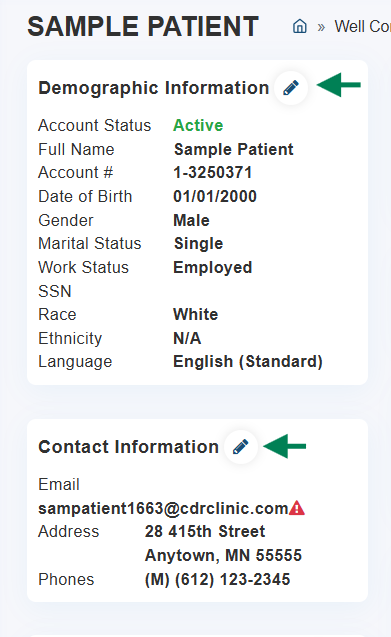
Edit Patient Demographics and Contact Information
Patient demographics and contact information are located on their Billing Dashboard.
To make changes, follow these steps:
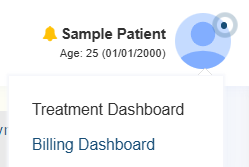
- Open the patient file
- Hover over their name
- Go to "Billing Dashboard"
- Click the Pencil Icon to edit the information: