Statements (Desktop Migration)
ChiroSpring Desktop makes it easy to create statements for your patients. There are filters to ensure you are creating statements only on charges patients owe you for (reconciled charges even).
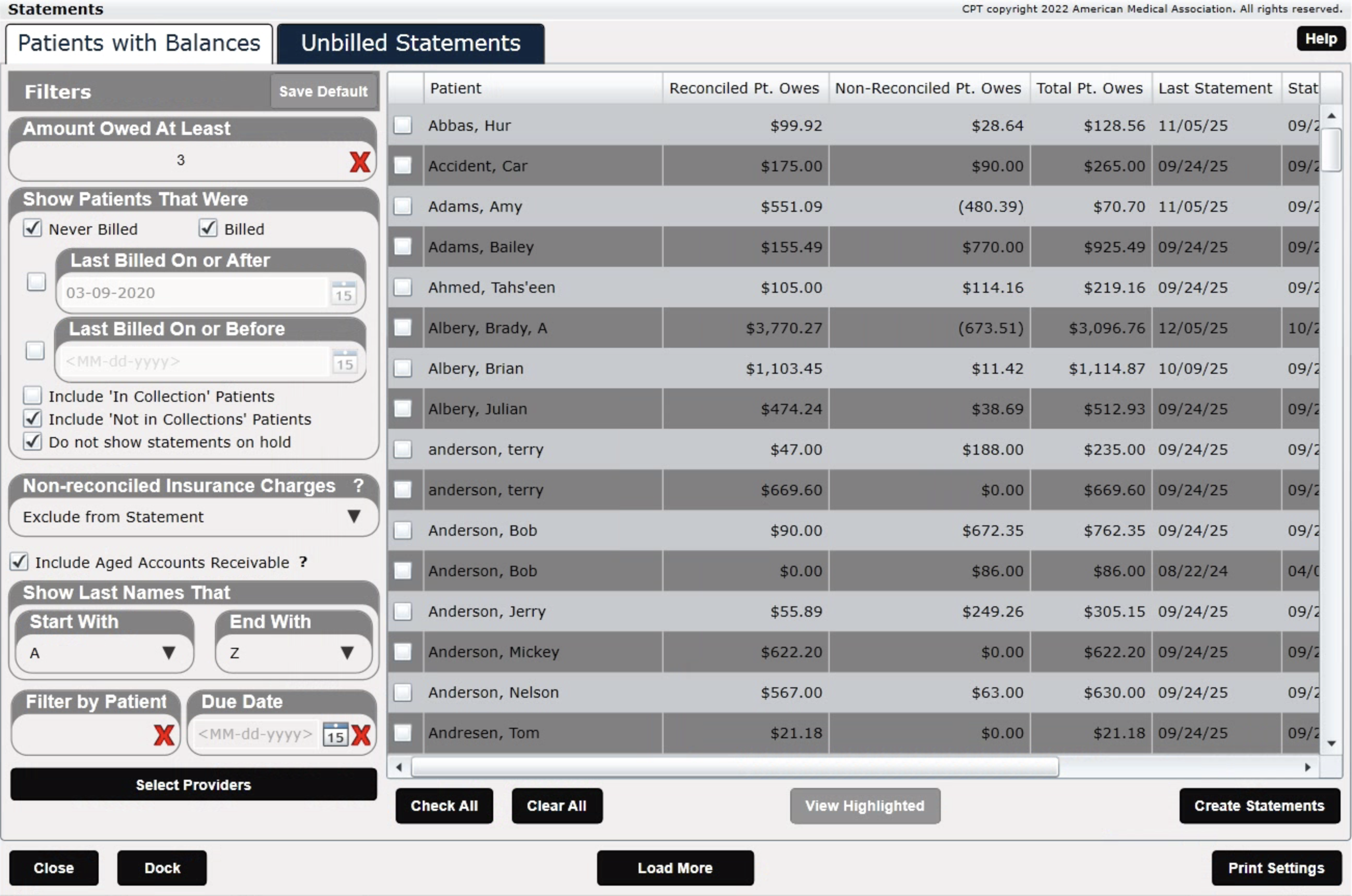
In ChiroSpring 360, statements are even more powerful as they can not only be printed, but can be sent via Email or SMS with a payment link (if you are using ChiroSpring Pay).
Click Here - To learn how to use Statements in ChiroSpring 360.
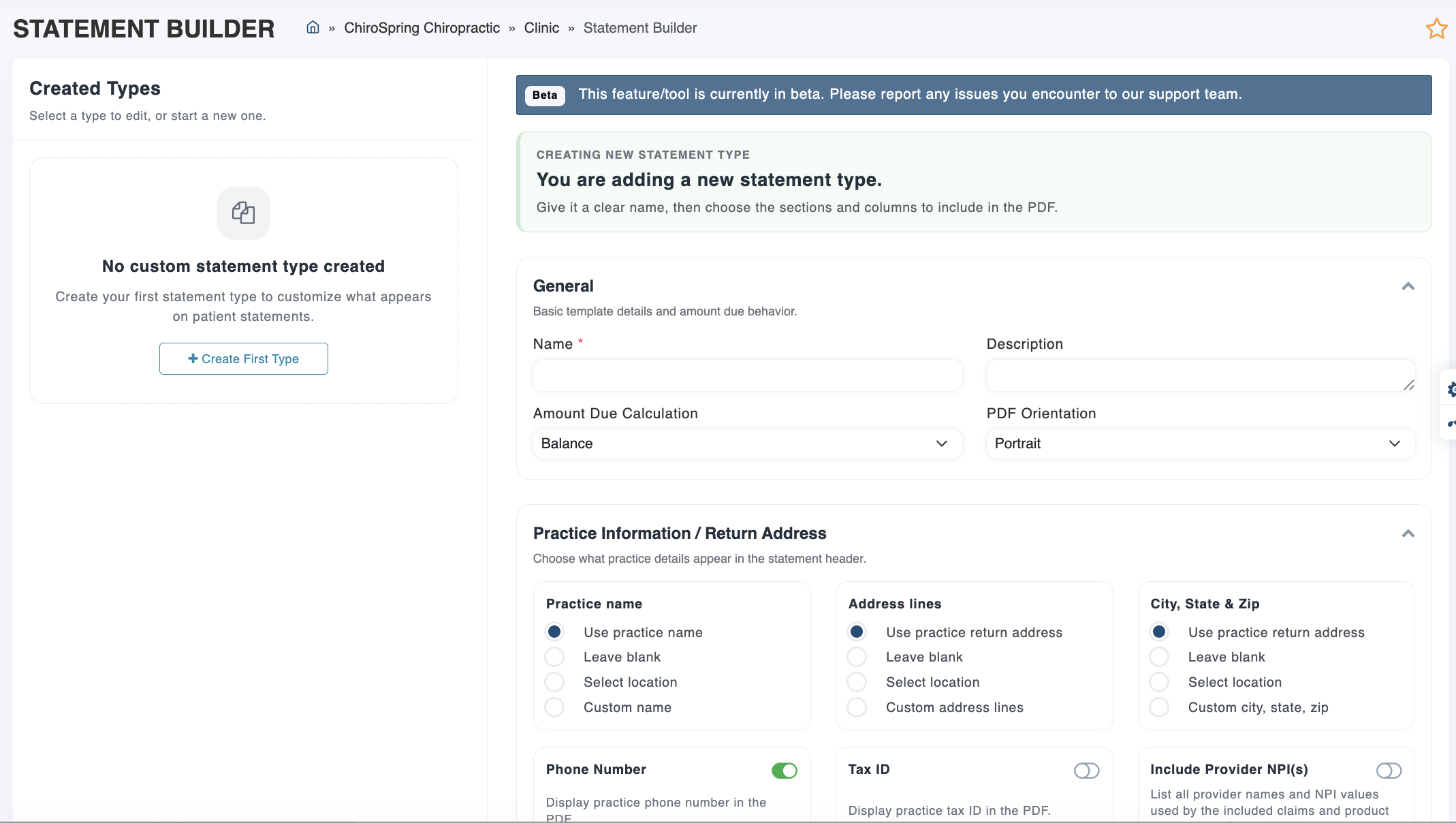
You can also build your own statement template (make it anyway you like) with our Statement Builder (Settings/Billing/Statement Builder).
With Statement Builder, you can:
- Build statements based on claim balance or patient owes balance
- Choose landscape or portrait orientation
- Select which practice/location details appear for return information (perfect for multi-location practices)
- Customize payment methods shown on the statement
- Pick and choose the columns and details you want included
And more!