Unfinished SOAP Notes (Desktop Migration)
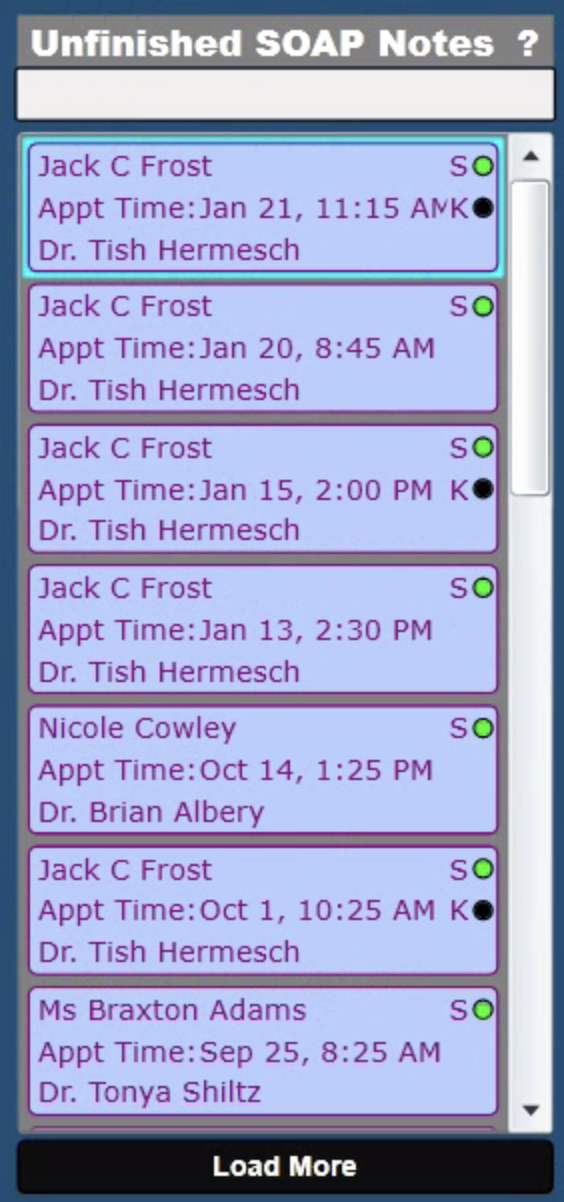
Unfinished SOAP Notes
It is easy to track Unfinished SOAP Notes in ChiroSpring Desktop. There is a column on Front Desk specifically for this purpose.
This is possible in 360 as well. Follow these steps.
- Setup the provider for "Save & Sign" on treatment notes.
- Where to Find Unsigned Notes
- Front Desk "Unsigned Notes" filter (you can also filter by provider at the top of Front Desk)
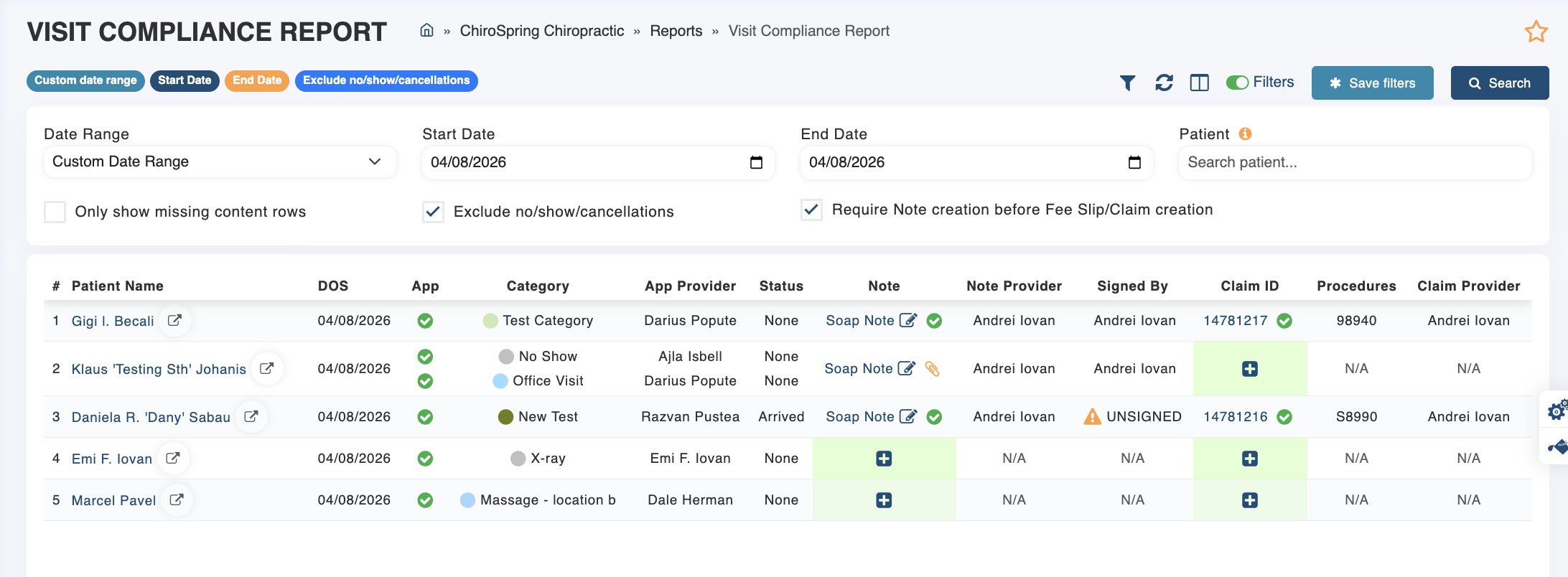
- Visit Compliance Report
Click Here - To learn how to setup Save & Sign.
Click Here - To learn how to track Unfinished Treatment Notes.
Below is the Visit Compliance Report. This report can be filtered to show you only visits with missing claims or notes or unsigned status.