
AI Scribe
AI Scribe magically turns your normal patient conversation into a complete and polished SOAP note. It's truly a game changer for your practice! Add ChiroSpring AI to your practice to use this feature.
AI Scribe Video Demo
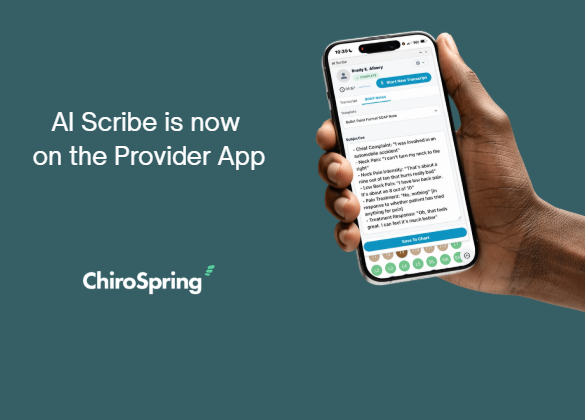
AI Scribe also works with the Provider app - AMAZING! Start a session, drop your phone in your pocket and away you go.
Customize Your Template to Support AI Scribe
AI Scribe will work with any custom treatment note template (even if you did not use the SOAP Template when you created your treatment note template).

VIDEO - CUSTOMIZE YOUR TREATMENT NOTE TEMPLATE
Adding AI Scribe to your template is super easy. Choose the magic wand icon. Then choose the section you want to use in that part of your note.

If your note was built with standard S.O.A.P. formatting the system is smart and only displays the appropriate AI Scribe box for that section. See below example.

When you built your Treatment Note Template you may also add other widgets such as check boxes, drop down's, Advanced Spine, etc. Keep in mind that only the four memo text boxes you added will be populated with AI Scribe.
Using AI Scribe
During an encounter choose a treatment note template you have built for AI Scribe. Click the action button, then choose the AI Scribe option.
The AI Scribe agent will appear. When ready click "Start Transcribing".

AI Scribe will output your dictation based on the template selected. On the SOAP Notes tab select from one of the following templates. We like to recommend the Paragraph Format SOAP Note as our favorite.
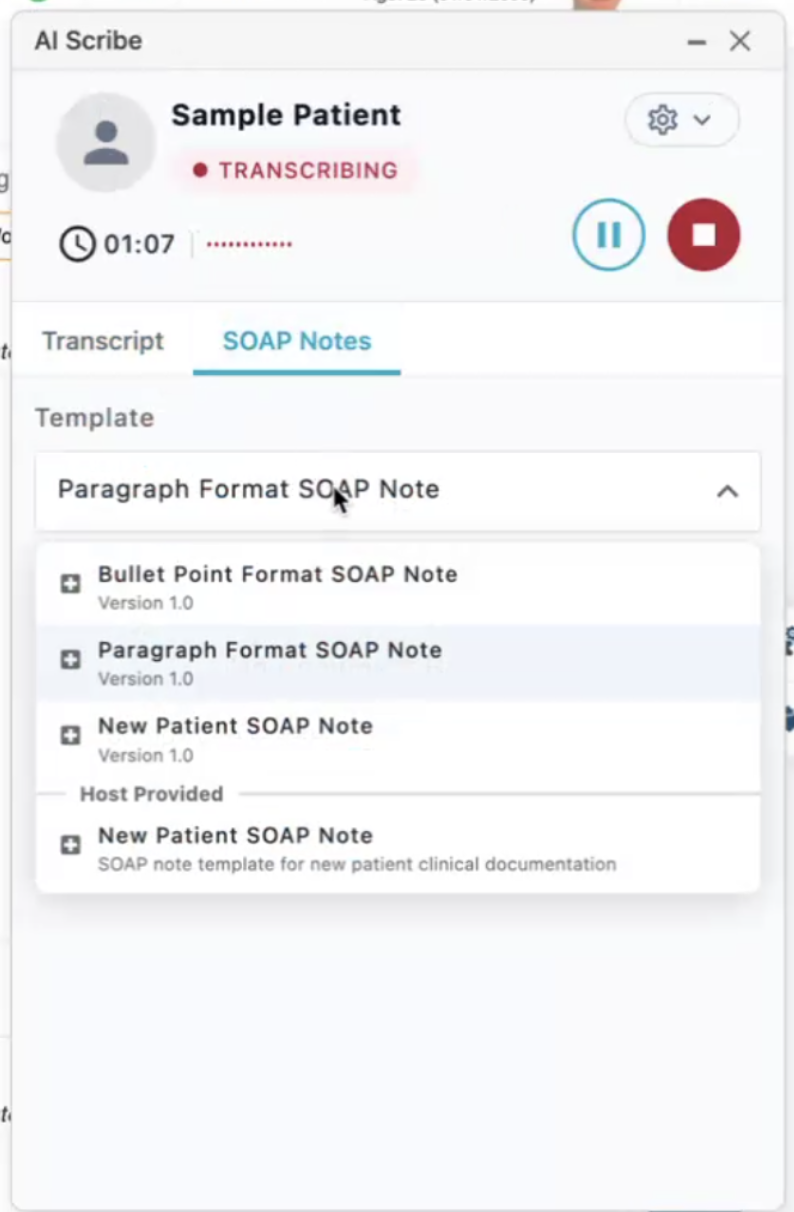
Let AI Scribe take it from here. You will see your full conversation in near real time on the Transcript tab.

When you have finished your patient encounter, click the stop button. In just a few seconds the transcript is transcribed into a full SOAP note.
Next click the "Save to Chart" button. This will move the text into your treatment note where you can make final edits, if needed.
