
Calendar/Scheduler (Desktop Migration)
ChiroSpring Desktop offers a calendar that is fully customizable. This includes adding providers and resources to the calendar, setting header colors (for providers and resources), setting start and end times, etc.
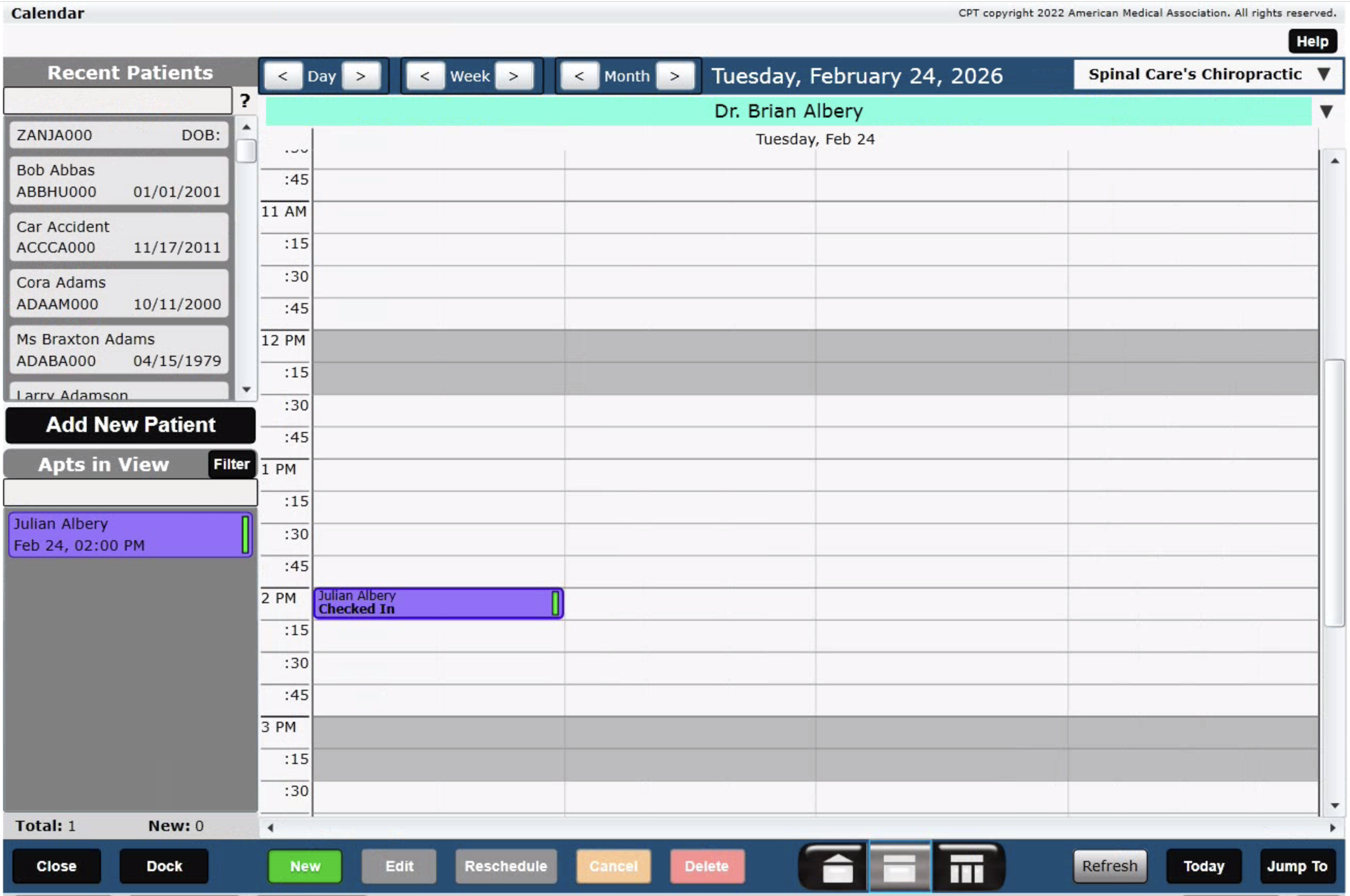
The Scheduler in 360 is very customizable but works a bit differently.
- We do not show columns on the scheduler for a given provider (although you can customize how many you schedule for a given time slot).
- Patients do not have to be FIRST booked to a resource (as they do in Desktop). You may book a patient directly to a Room/Resource if you prefer.
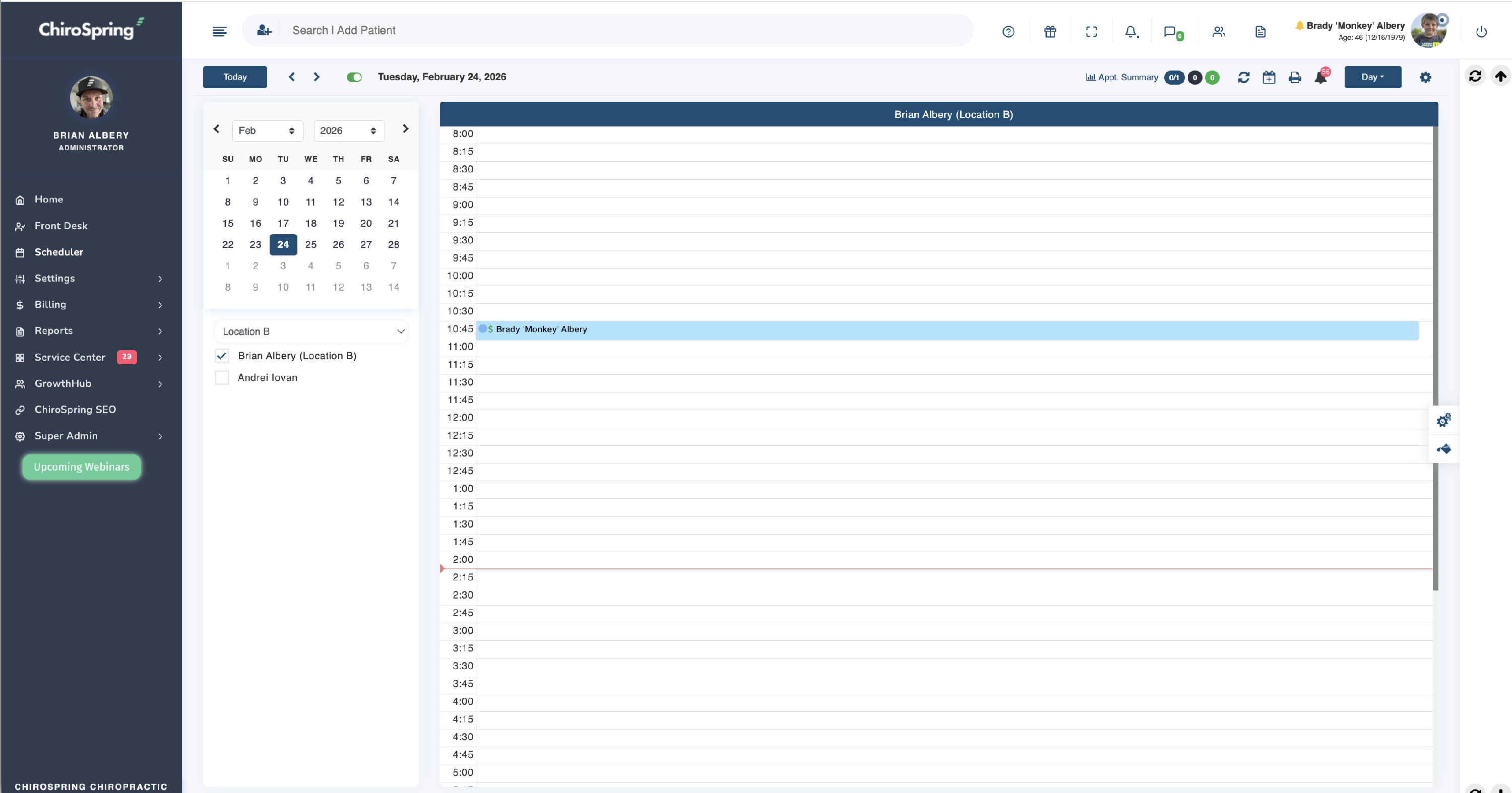
Click Here - To learn how to customize the Scheduler.
Click Here - To learn how to create Time Blocks on your Scheduler.