SOAP Notes in 360 vs. Desktop (Desktop Migration)
SOAP Notes in 360 are different than in Desktop. You are free to create any note template you would like with our builder using widgets such as drop-downs, check boxes, radio buttons, spine/advanced spine, spine strip, labels, meridians, etc. Create rows and columns to organize your notes as well.
Click Here - Treatment Notes - Full Guide
Features of Notes in 360:
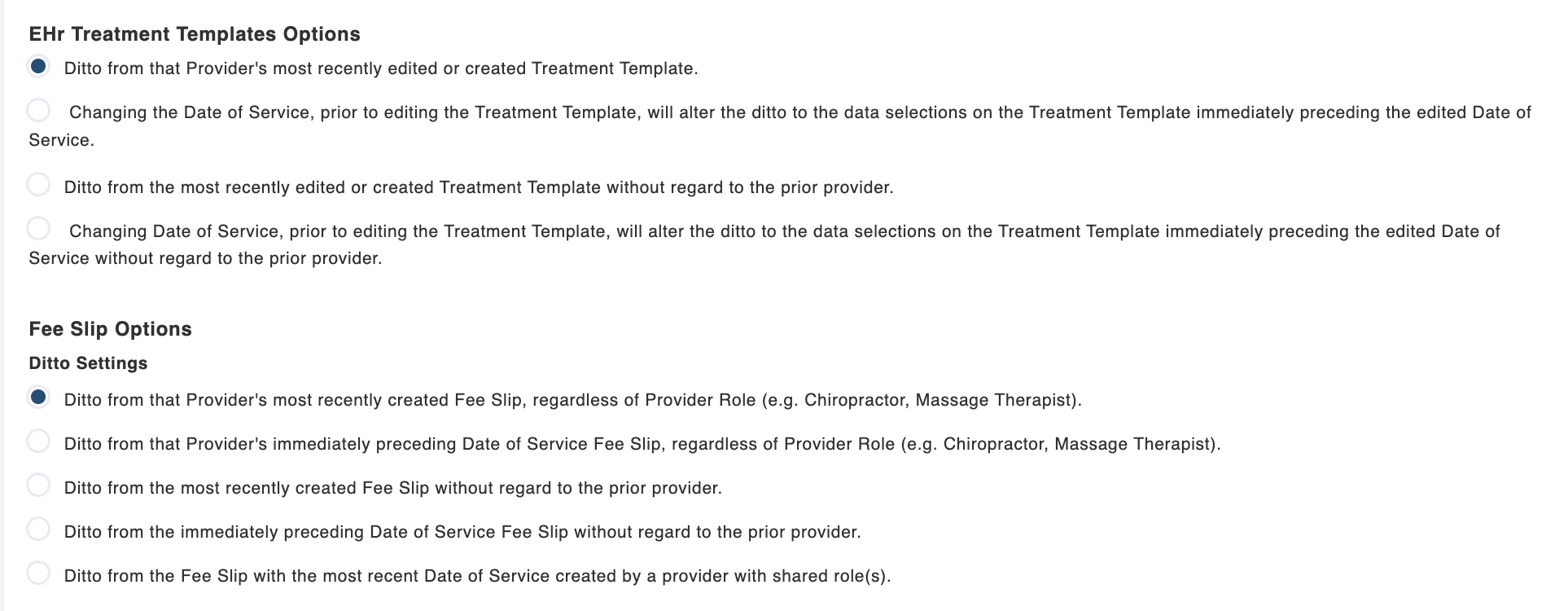
Auto SALT - Notes ditto over from the previous based on your ditto settings (think auto SALT in Desktop). You can find these ditto settings in Settings > Treatment Notes > Notes & Fee Slip.
SOAP Macros - Just like in ChiroSpring Desktop you can create SOAP Macros. Pin and arrange your grid anyway you like.
Click Here - To learn more about SOAP Macros.
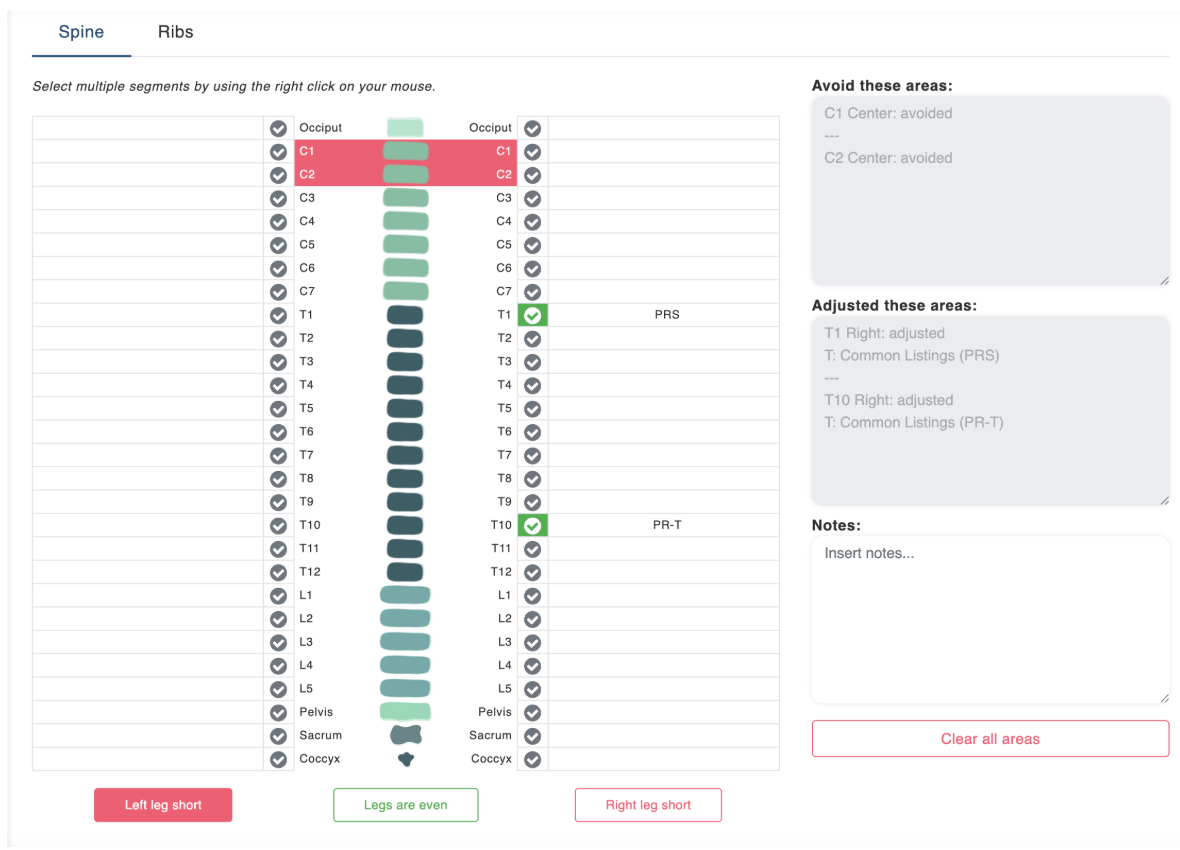
Advanced Spine - Just like in Desktop, ChiroSpring 360 has an amazing spine for fast and accurate documentation.
Click Here - To learn more about Advanced Spine.
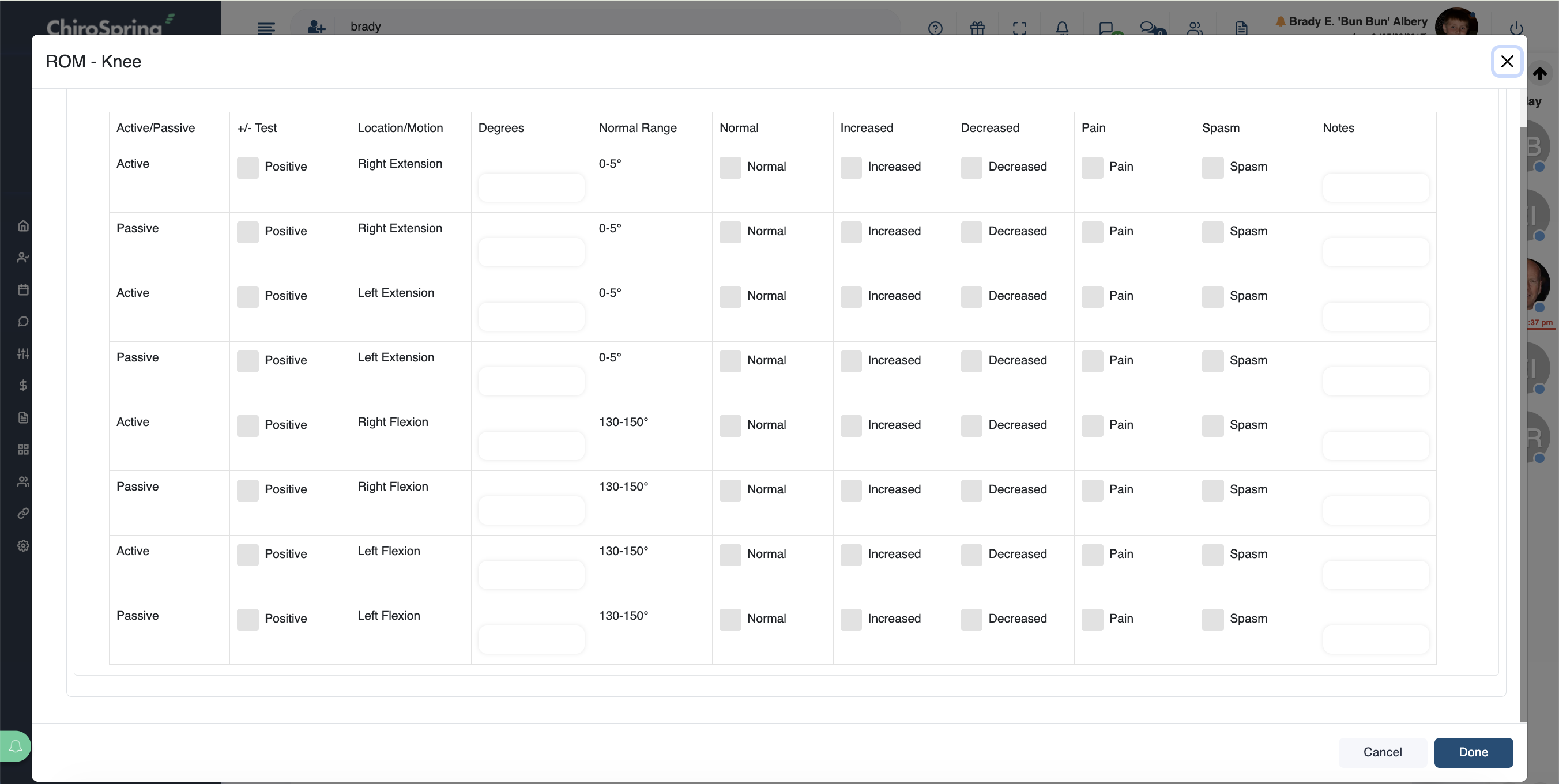
Dialogs (Coming Soon) - We built a Super Note we recommend Desktop users review as it has all of the Treatments and Evaluations from Desktop. These exist as expand/collapse sections. We are releasing dialogs VERY SOON that will give you a very similar desktop experience for treatments and evaluations.