
Cash Register (Desktop Migration)
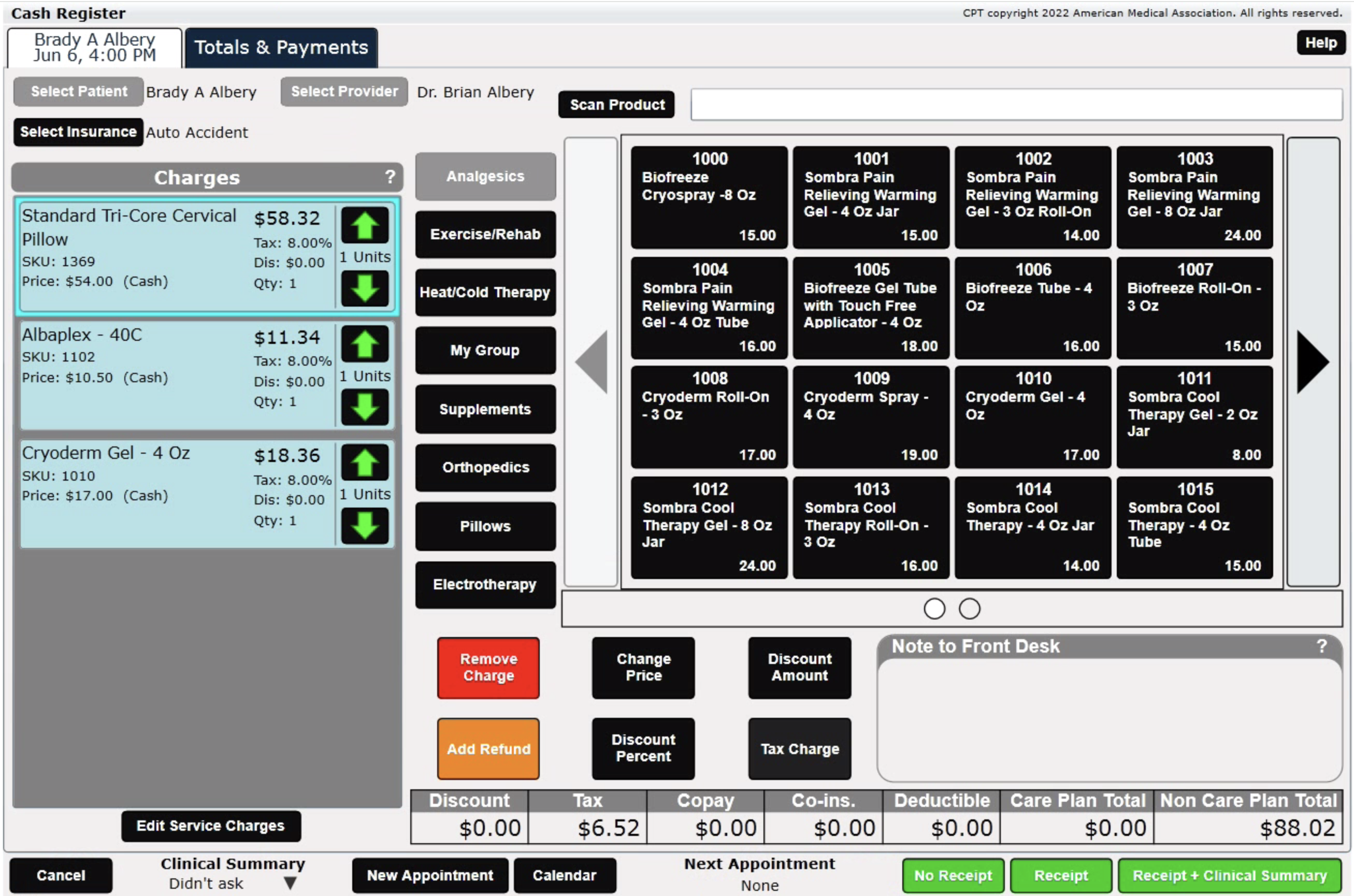
ChiroSpring Desktop provides a Checkout Screen (Cash Register). This can be accessed by checking out a patient, or selecting independently to sell a product.
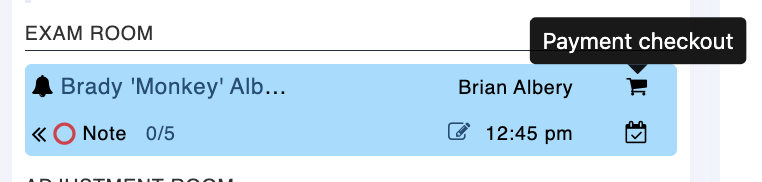
ChiroSpring 360 provides a similar checkout screen. From the Front Desk click the "Payment checkout".
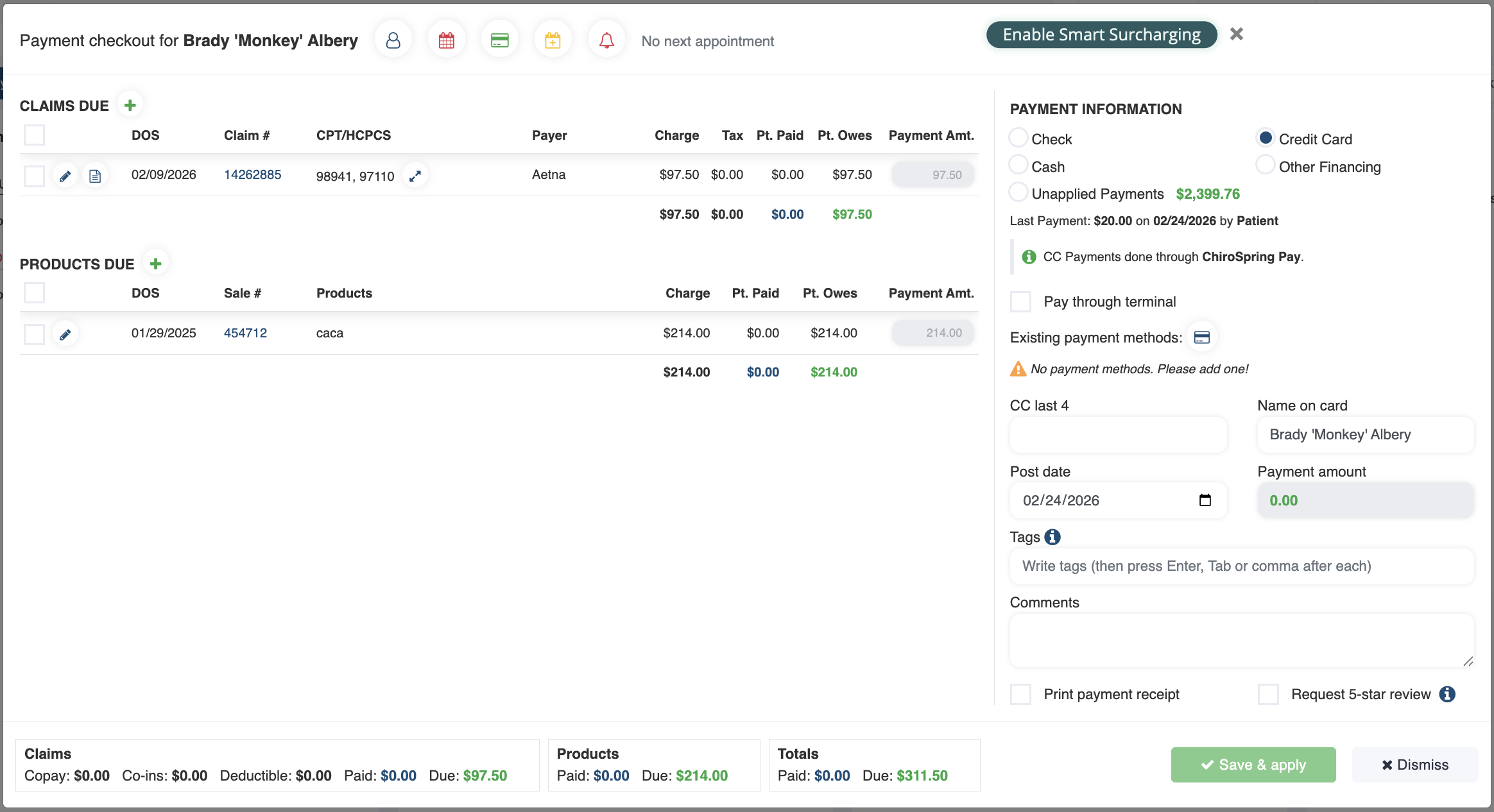
This will open the Checkout Screen.
Features of Checkout Screen
- Shows all unpaid claims and products
- Take payment
- View upcoming appointment
- Schedule appointment
- Add payment method on file
- Send Patient Review request
- Print payment receipt
- Edit Fee Slip or Claim
- Add product sale
Click Here - To learn how to use the Checkout Screen.
Click Here to learn more about using ChiroSpring Pay.