
Stop Managers in 360 VS. Desktop (Desktop Migration)
Stop Managers
ChiroSpring Desktop provides patient alerts in the form of "Stop Managers".
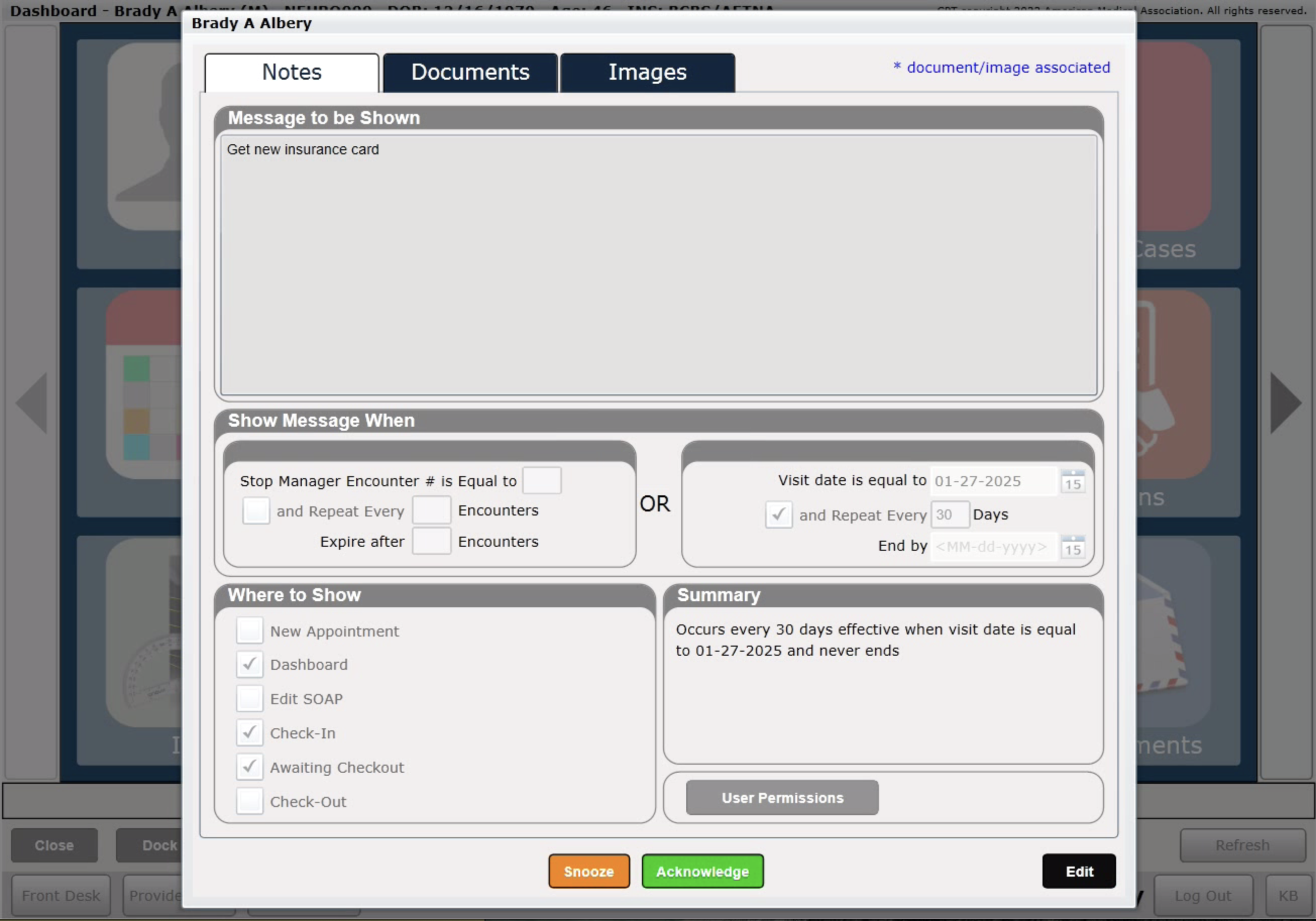
These also exist in ChiroSpring 360 and are called "Patient Reminders". You can have these alerts appear when accessing:
- Billing Dashboard
- Treatment Dashboard
- Treatment Notes
- Check-In
- Check-Out
- New Appointment
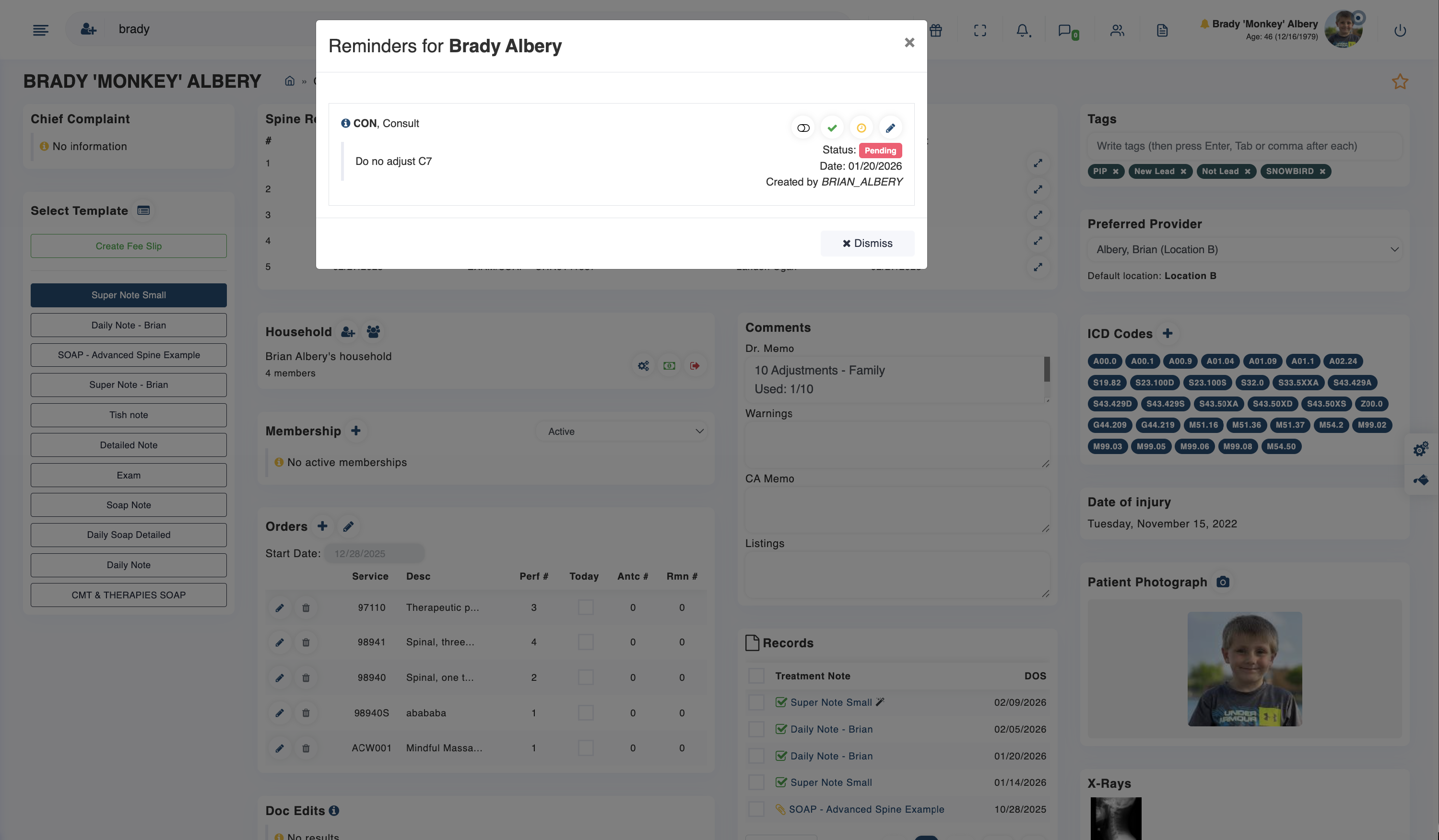
Click Here - To learn how to use Patient Reminders (Stop Managers).
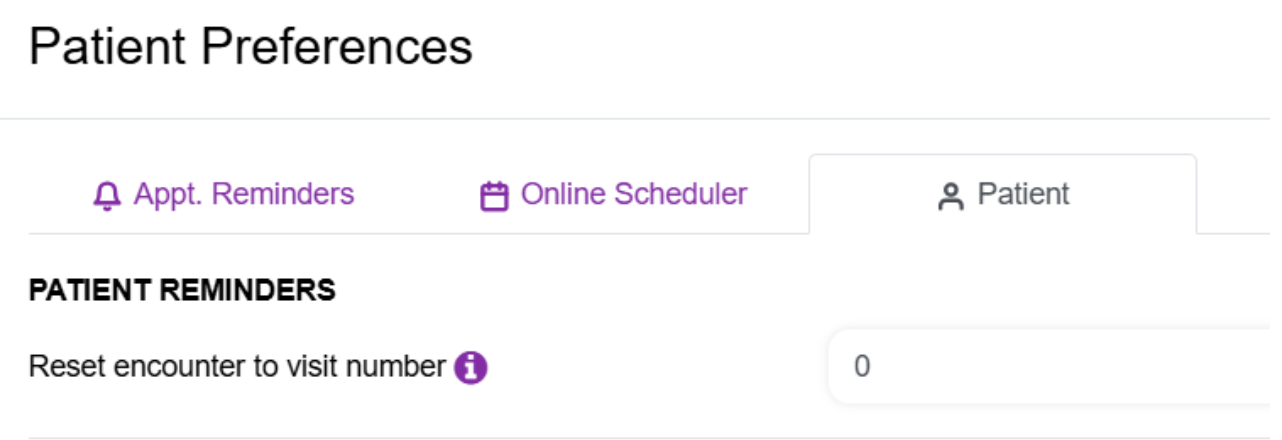
We also track visit counts here:
- Top of a Patient's Reminders Dashboard (You can reset the visit counter in the Patient file - Communicator/Patient Preferences - Under the Patient Tab

We also have an Orders Counter in the Treatment Dashboard for patient. You can edit that date to any date you choose and will count the service codes used for that patient since that date.