
Patient Intake/Kiosk (Desktop Migration)
ChiroSpring Desktop provides a very robust and slightly customizable kiosk. You can determine which sections of the kiosk you want to appear and even create your own "Additional Intake Questions" and "Acknowledgements". The main advantage is that data auto-populates into ChiroSpring and for the most part offers an easy process for the patients.
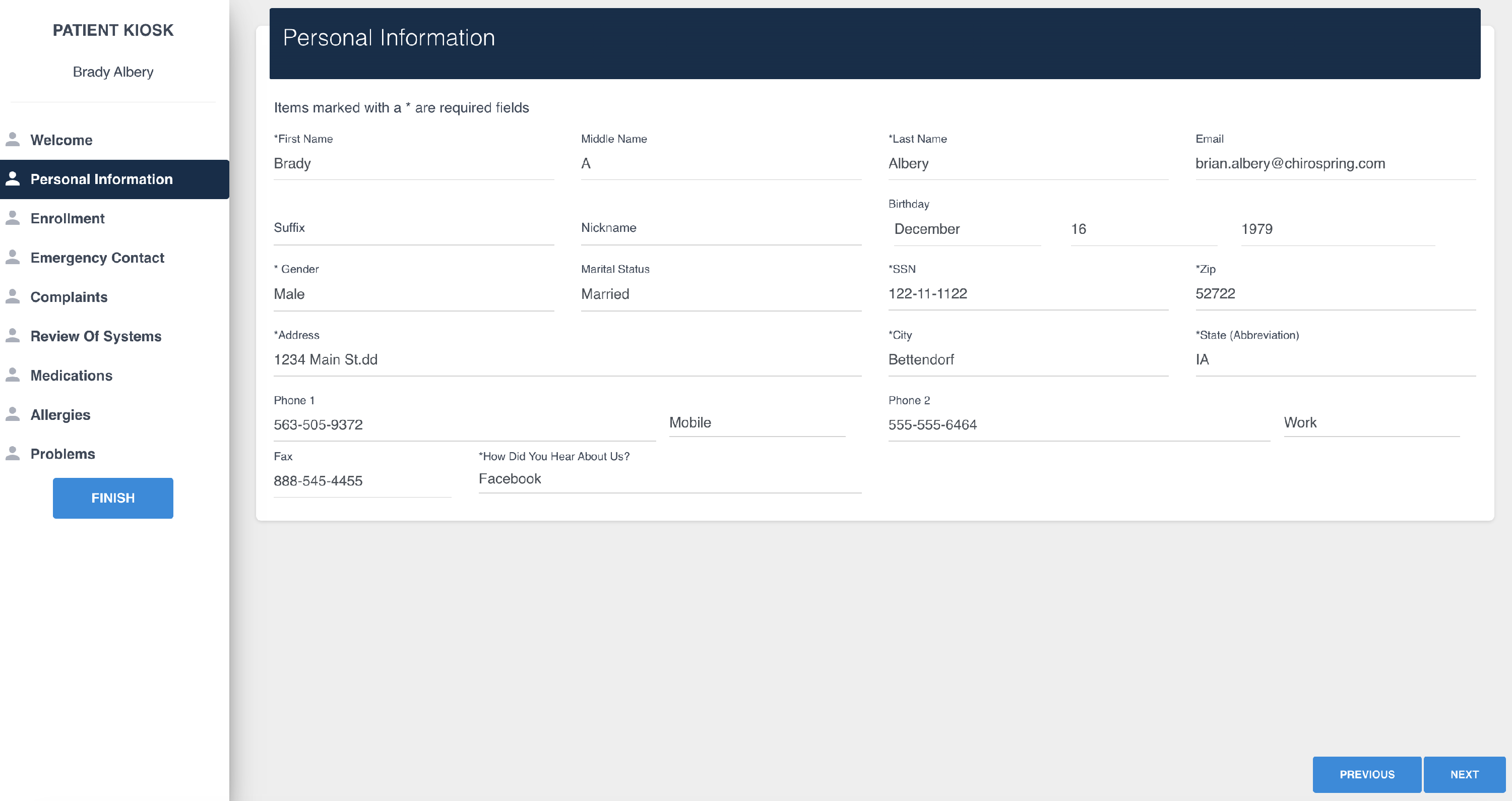
ChiroSpring 360 provides a slightly different kiosk experience.
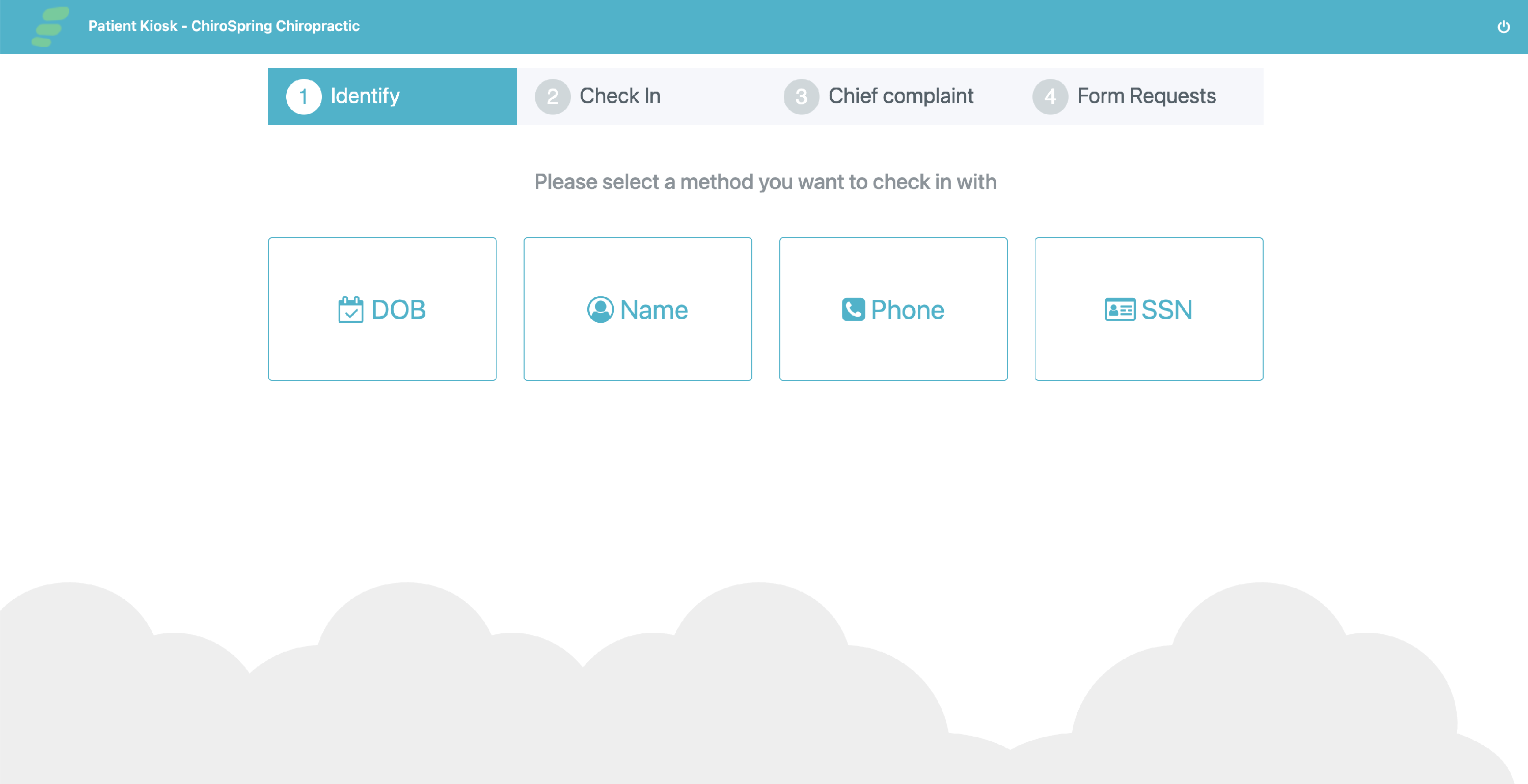
- Information from the Contact Form will sync back to ChiroSpring (name, DOB, phone, etc.)
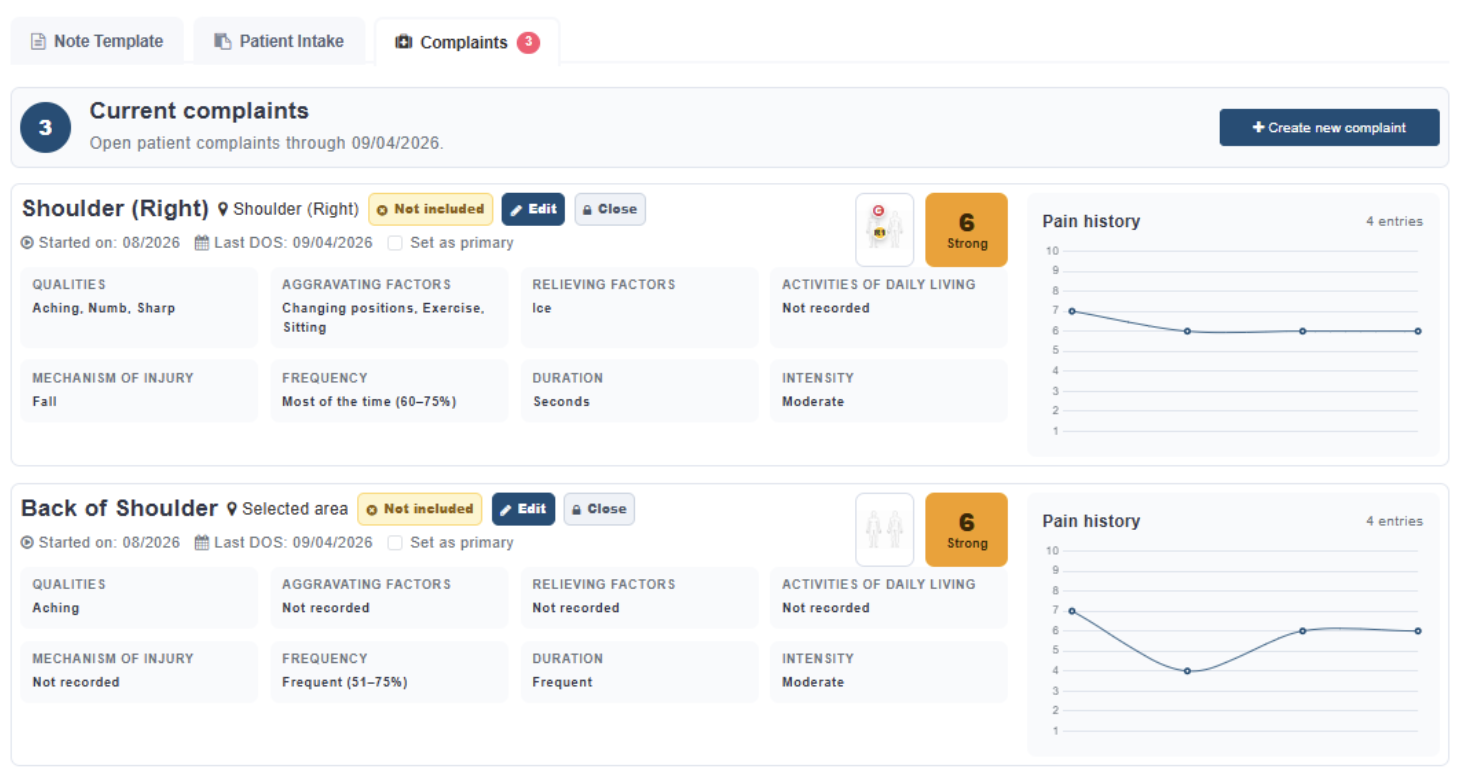
- Complaints and syncing to your note is possible (like in Desktop) with our Advanced Complaints.
- Click Here - To learn more about Advanced Complaints.
- Forms Consents are 100% customizable and very easy for patients to use. Assigned forms will be due at the kiosk. Click Here - To learn how to create and assign patient forms.
- Forms may be attached to the Treatment Note - Click Here to learn how.
Click Here - To learn how to use Patient Kiosk in ChiroSpring 360.